
See it in action
Heart rate widget features
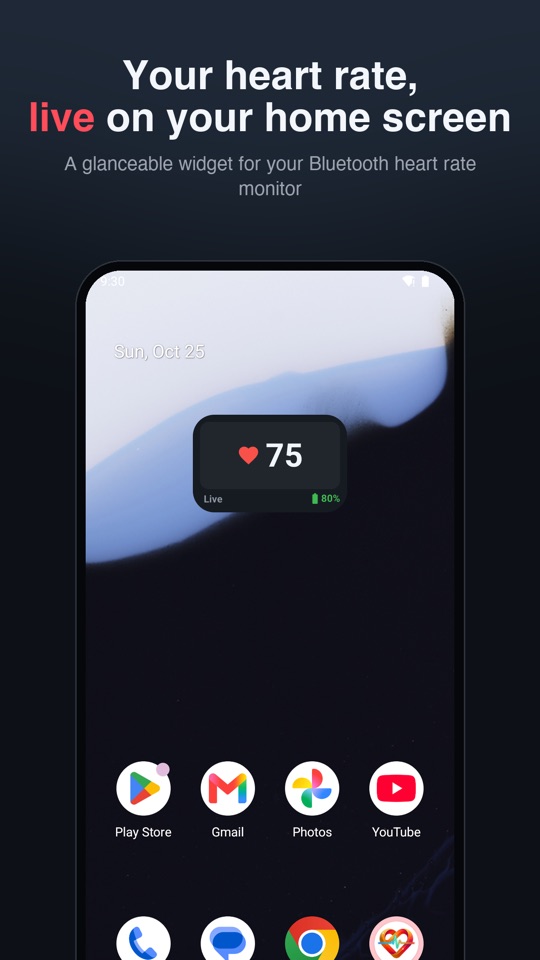
Live BPM at a glance
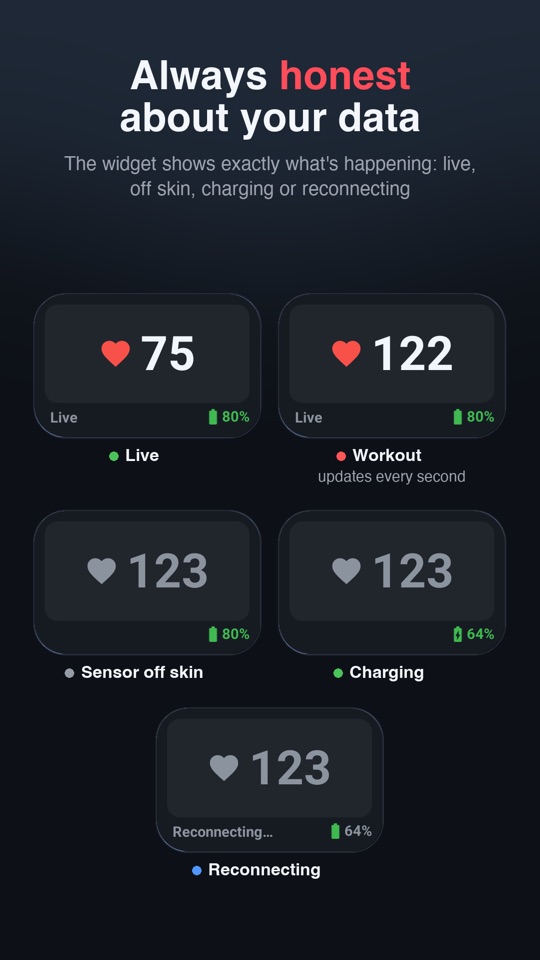
Current heart rate on the home screen, with clear states: live, off skin, charging, reconnecting or last seen.
Strap battery level
See your monitor's battery and charging status next to your pulse.
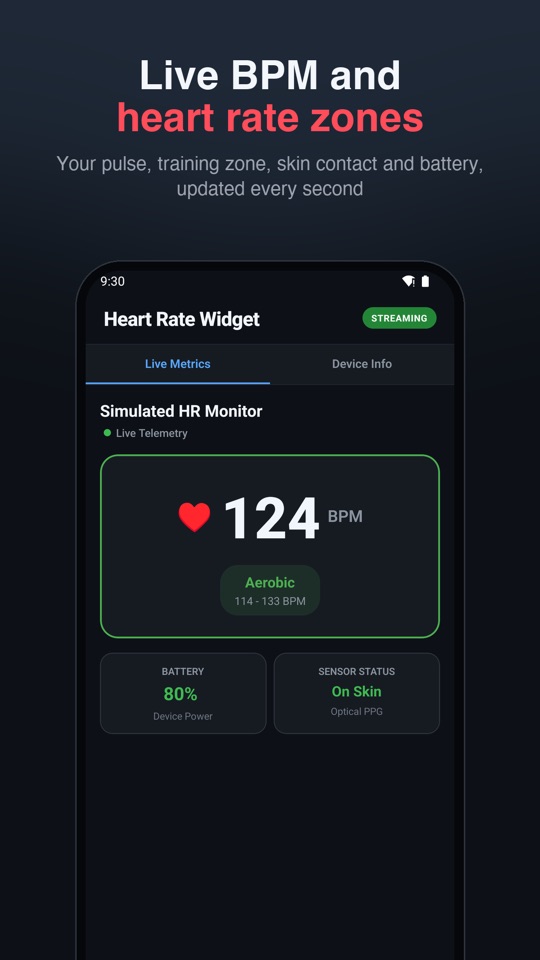
Heart rate zones
An in-app dashboard with live BPM, zones and skin-contact status.
Built for all-day use
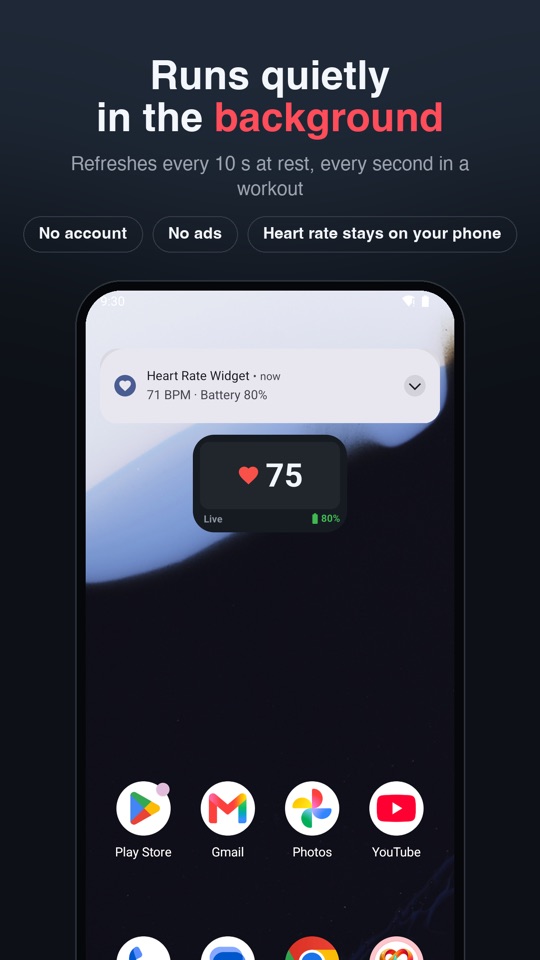
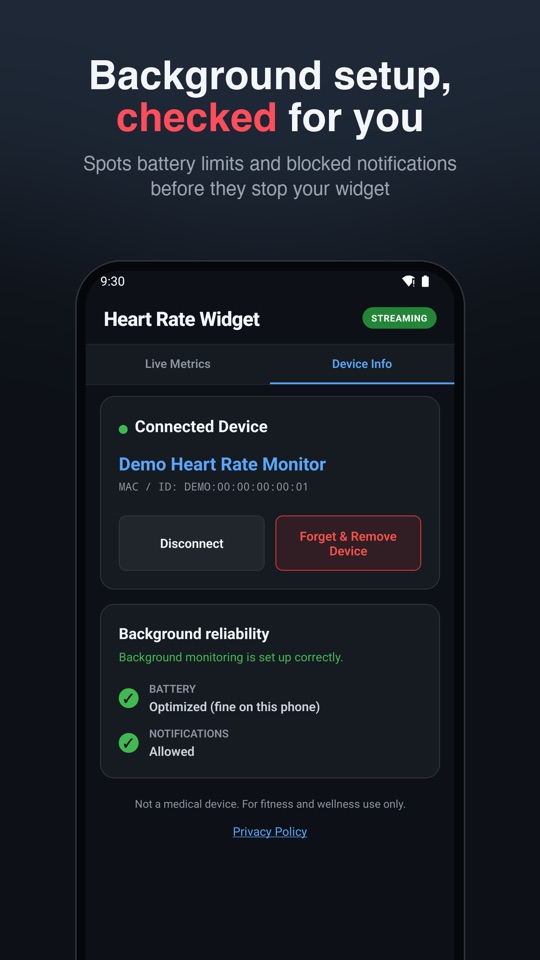
Runs quietly in the background, reconnects automatically and keeps working after a phone restart. It refreshes every 10 seconds at rest and every second at 90+ BPM to save battery.
Private by design
No account, no sign-up, no ads. Your heart rate stays on your phone and is never uploaded.
Try it with no device
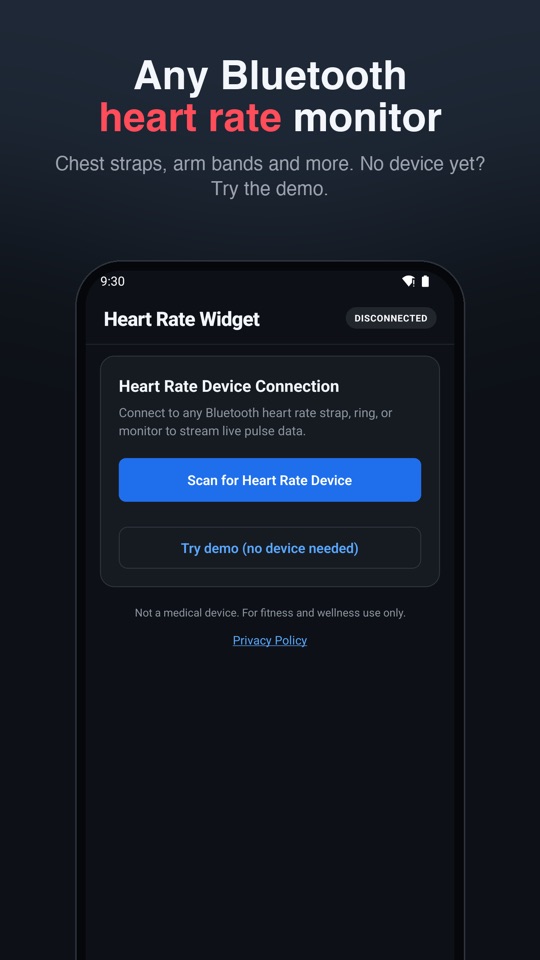
Tap "Try demo" to see the app, widget and notification with clearly labelled simulated data.
Compatible heart rate monitors: Amazfit Helio Strap, chest straps and arm bands
Any Bluetooth LE monitor that uses the standard Heart Rate profile: chest straps, arm bands and sensors such as the Amazfit Helio Strap. It works alongside your sensor's own app and does not interfere with it.
Not sure about yours? See the full list of supported heart rate monitors, including devices confirmed by users.
Set up in a minute
- Turn on heart rate sharing on your monitor. For the Amazfit Helio Strap, enable Heart Rate Sharing in the Zepp app.
- Open Heart Rate Widget and pick your monitor from the list.
- Long-press your home screen, choose Widgets and add Heart Rate Widget.
Frequently asked questions
Which heart rate monitors work with it?
Any Bluetooth LE monitor that uses the standard Heart Rate profile: chest straps, arm bands and sensors such as the Amazfit Helio Strap.
Does it work with the Amazfit Helio Strap?
Yes. Turn on Heart Rate Sharing in the Zepp app, then connect in Heart Rate Widget. It runs alongside Zepp and does not interfere with it.
Is my heart rate uploaded anywhere?
No. Your heart rate stays on your phone. Read the privacy policy.
Will it drain my phone battery?
The widget refreshes every 10 seconds at rest and every second during exercise (90+ BPM), which keeps battery use low.
Can I try it without a monitor?
Yes. Tap "Try demo" for simulated data, clearly labelled in the app, the widget and the notification.